Access Linux desktops and compatible VNC servers with a native VNC client for Mac, iPhone and iPad.
Available for Mac, iPhone & iPad.
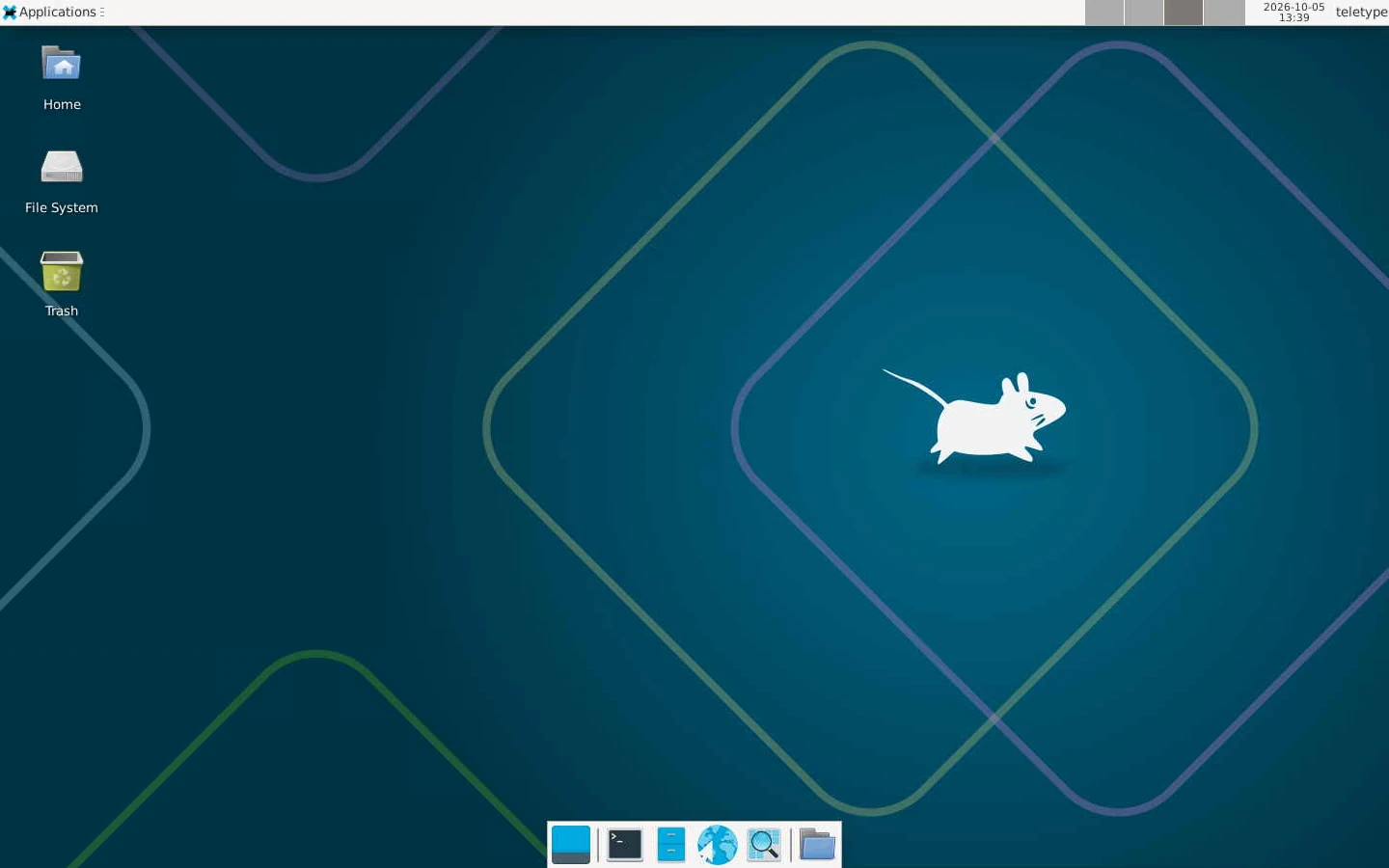
Remote Linux desktop from a VNC compatibility session. Desktop content shown without the Teletype window.
Remote desktop. Native rendering.
Teletype renders VNC desktops with Metal, Apple’s graphics technology. GPU-accelerated drawing brings incoming frames to your screen efficiently, with a native rendering path on Mac, iPhone and iPad.
Rendering is only part of responsiveness: your network, remote machine and VNC server also determine how quickly changes arrive.
Your desktop. Your tools.
Reach a compatible Linux desktop from your Mac, iPhone or iPad. Work with your remote applications through VNC, using touch or a physical keyboard and pointer.
More than a picture of your desktop.
Use a physical keyboard and pointer, pinch to zoom on iPhone and iPad, or observe in view-only mode. Choose a display or request a new desktop size when the server supports it. Quality presets let you balance image detail and connection conditions.
Compatibility that adapts to your server.
Teletype negotiates supported VNC extensions with the host. The available controls follow the server’s capabilities; an extension in this list does not mean every server provides it.
Desktop sizing and selection
DesktopSize and ExtendedDesktopSize report display geometry and support server-approved resizing.
Clipboard sharing
Standard text clipboard and Extended Clipboard support text exchange with compatible hosts. Apple’s additional clipboard support enables formatted text and images on compatible Macs.
Cursor and keyboard feedback
Cursor shapes and pointer-position updates keep the remote pointer visible. QEMU extended key events and LED state support compatible virtual-machine consoles.
Efficient screen updates
Raw, CopyRect, Hextile, Tight, ZRLE and other negotiated encodings handle different server formats. Continuous Updates and Fence support update delivery and synchronization.
Specialized servers
QEMU audio, GII input and XVP power operations are implemented for hosts that advertise the corresponding capabilities. Availability is server-dependent.
Apple High Performance video, remote Mac audio and Apple file transfers have their own requirements. Explore Mac screen sharing ↗
Connect your Linux desktop.
Enable a compatible VNC server on your Linux machine and configure access in its settings. In Teletype, add a VNC connection with the server’s address, port and required credentials.
Your Linux distribution and VNC server determine how you enable desktop access and which session is shared. Check your server’s setup instructions before connecting.
 teletype