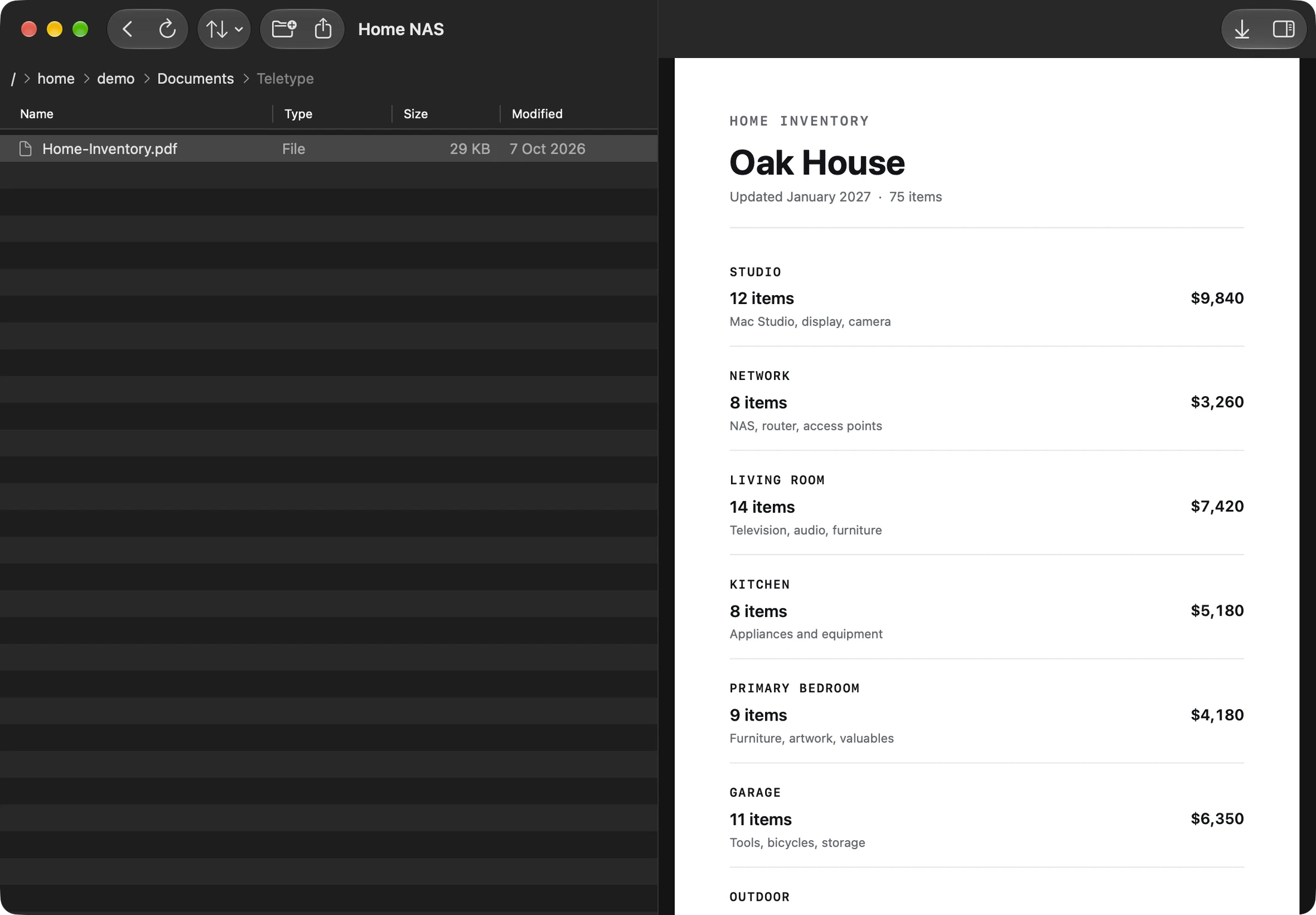
Browse servers and NAS storage
Move through remote directories with clear names, file sizes, and the hierarchy you expect from a native file browser.
SFTP client for iPhone and iPad
Browse remote servers and NAS storage, upload from Files, download for Quick Look, and organize folders without turning a simple file job into a terminal exercise.
Try one saved SFTP connection free.

Remote files, familiar behavior
SFTP stays secure and technical underneath. The surface stays calm, direct, and designed for the file task in front of you.
Move through remote directories with clear names, file sizes, and the hierarchy you expect from a native file browser.
Choose local or cloud-provider files through iOS and send them to the current remote directory.
Bring a remote file to the device, inspect supported formats with Quick Look, or pass it to another app.
Create directories, rename items, and remove files or empty folders without dropping into a shell for routine maintenance.
SFTP and NAS access
Teletype uses SFTP over SSH for remote file access. It works with compatible servers and NAS devices you can reach directly or through your VPN—without pretending SFTP is the same thing as legacy FTP.
SFTP questions
Yes, when the NAS provides an SFTP service and is reachable from your iPhone or iPad over the local network, internet, or VPN configuration you use.
Yes. Upload from the system Files picker and download remote files for local preview or sharing.
No. SFTP transfers files through SSH. Teletype supports SFTP and does not present itself as a traditional FTP client.
Save an SSH or Mosh connection when you also need command-line access.
More ways in