Built for real work.
- Access remote applications and desktop workspaces.
- Use touch controls on iPhone and iPad, or a physical keyboard and pointer.
- Keep remote desktops in independent windows on Mac.
 teletype
TELETYPE / RDP
Connect to compatible Windows remote desktops from Mac, iPhone and iPad with Teletype's native RDP client.
Available for Mac, iPhone & iPad.
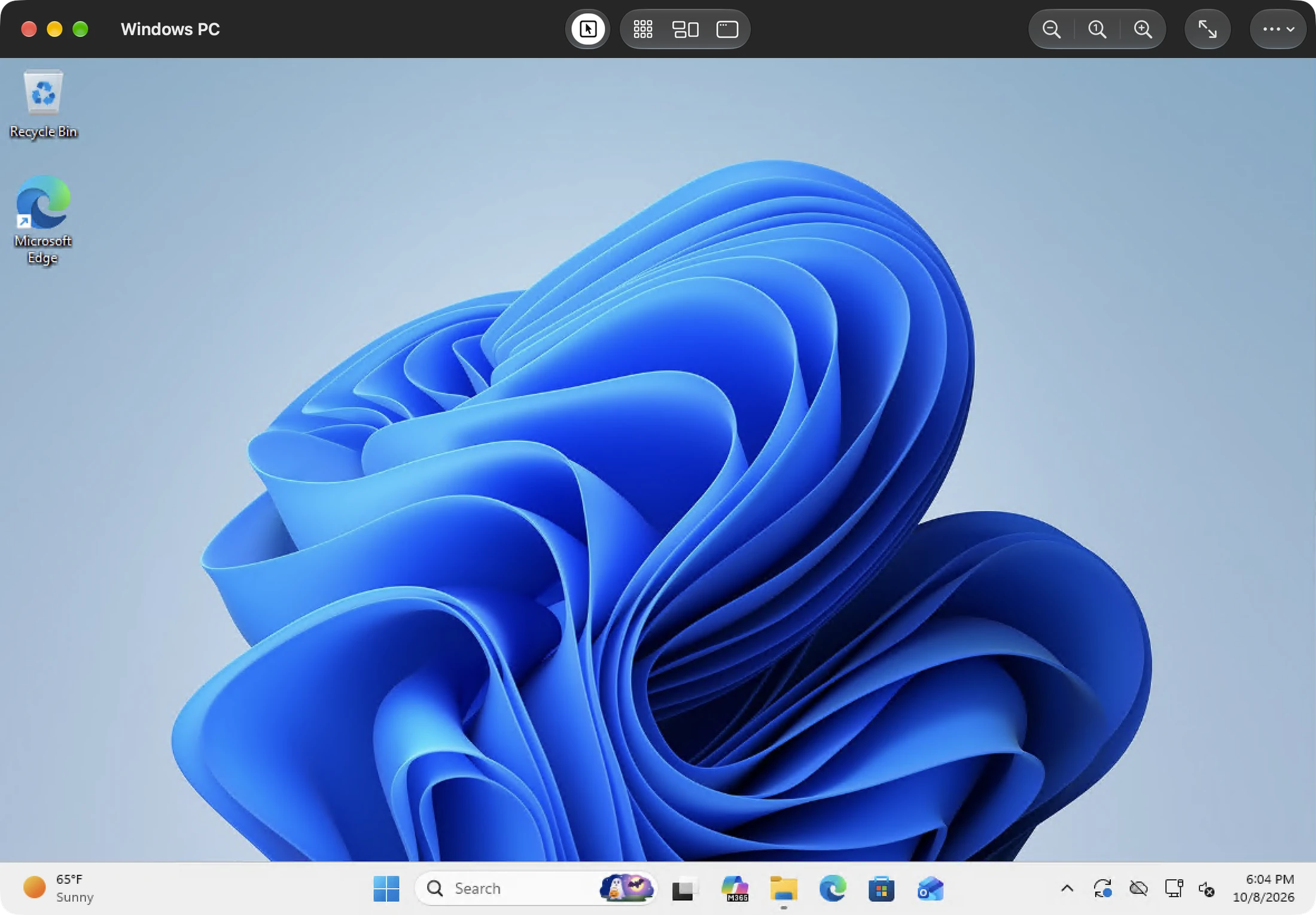
Resize the remote desktop to your window when the Windows server permits it. Zoom locally for a closer look, then pan around the desktop. Text input and physical-key input modes let you choose how keystrokes reach Windows.
Share text through the clipboard, with controls to ask before syncing, sync automatically or turn sharing off. Enable remote audio playback to hear the Windows session when the host allows audio redirection.
The Mac toolbar gives you Start, Task View and Show Desktop. The keyboard menu can send the Windows key and Control–Alt–Delete. View-only mode lets you observe without sending input.
Teletype supports Network Level Authentication and lets you review and trust the server certificate. A changed certificate needs attention before you reconnect.
RDP features depend on host policy. Clipboard sharing here is text-only. Drive and printer redirection, RemoteApp, RDP Gateway and multi-monitor RDP sessions are not included.
Enable an RDP server on your Windows host and allow access for your account. Connect over a trusted network or VPN, enter the address and credentials, and review the server certificate.