 teletype
Every machine.
One workspace.
Your servers. Your files. Your remote desktops.
One native app for Mac, iPhone, and iPad.

Start free with one saved connection.
Available for Mac, iPhone & iPad.
ONE PLACE TO WORK.SSH01ARD02SFTP03RDP04VNC05
ONE PLACE. EVERY CONNECTION.
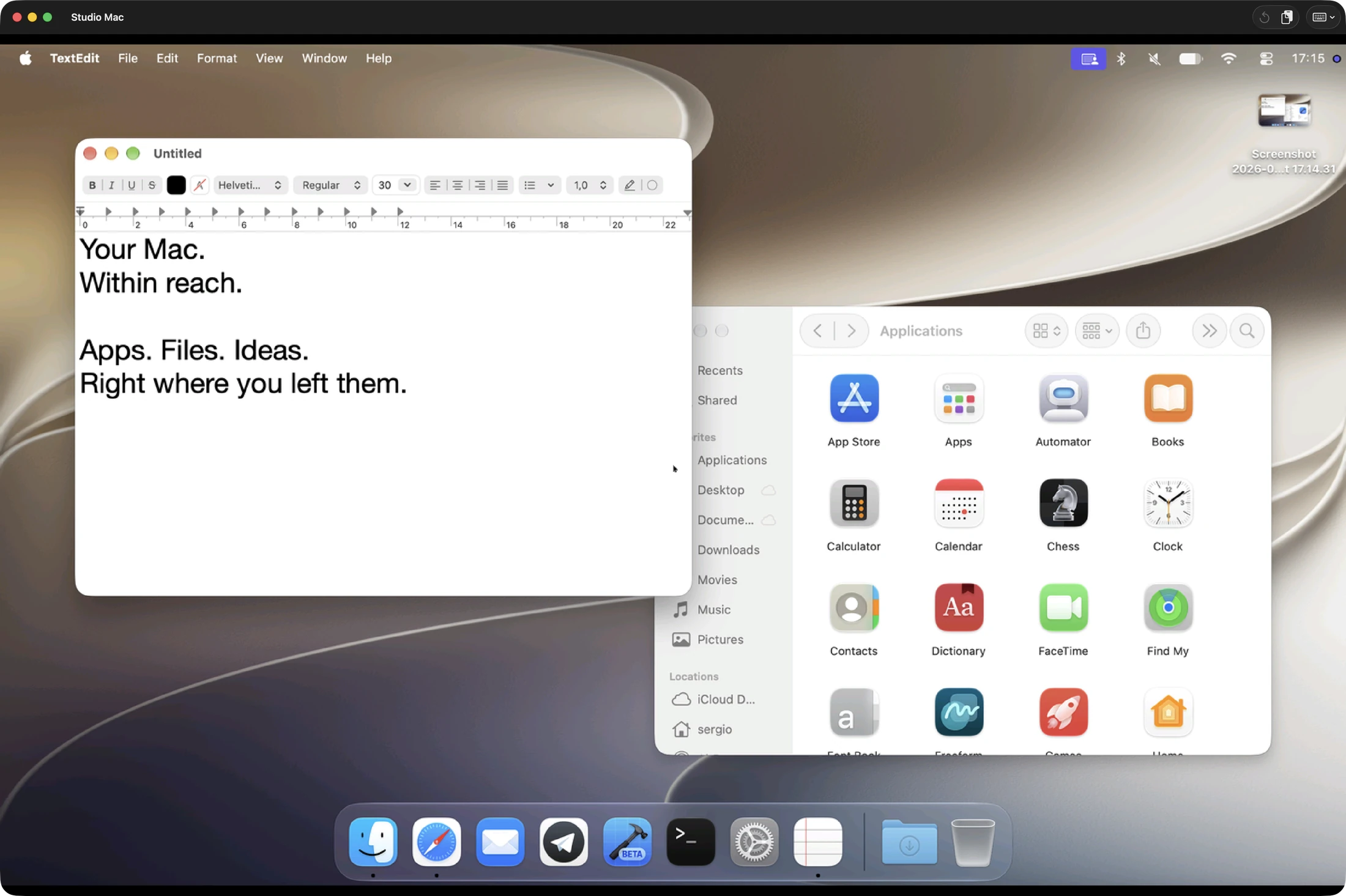
Your computers.
Within reach.
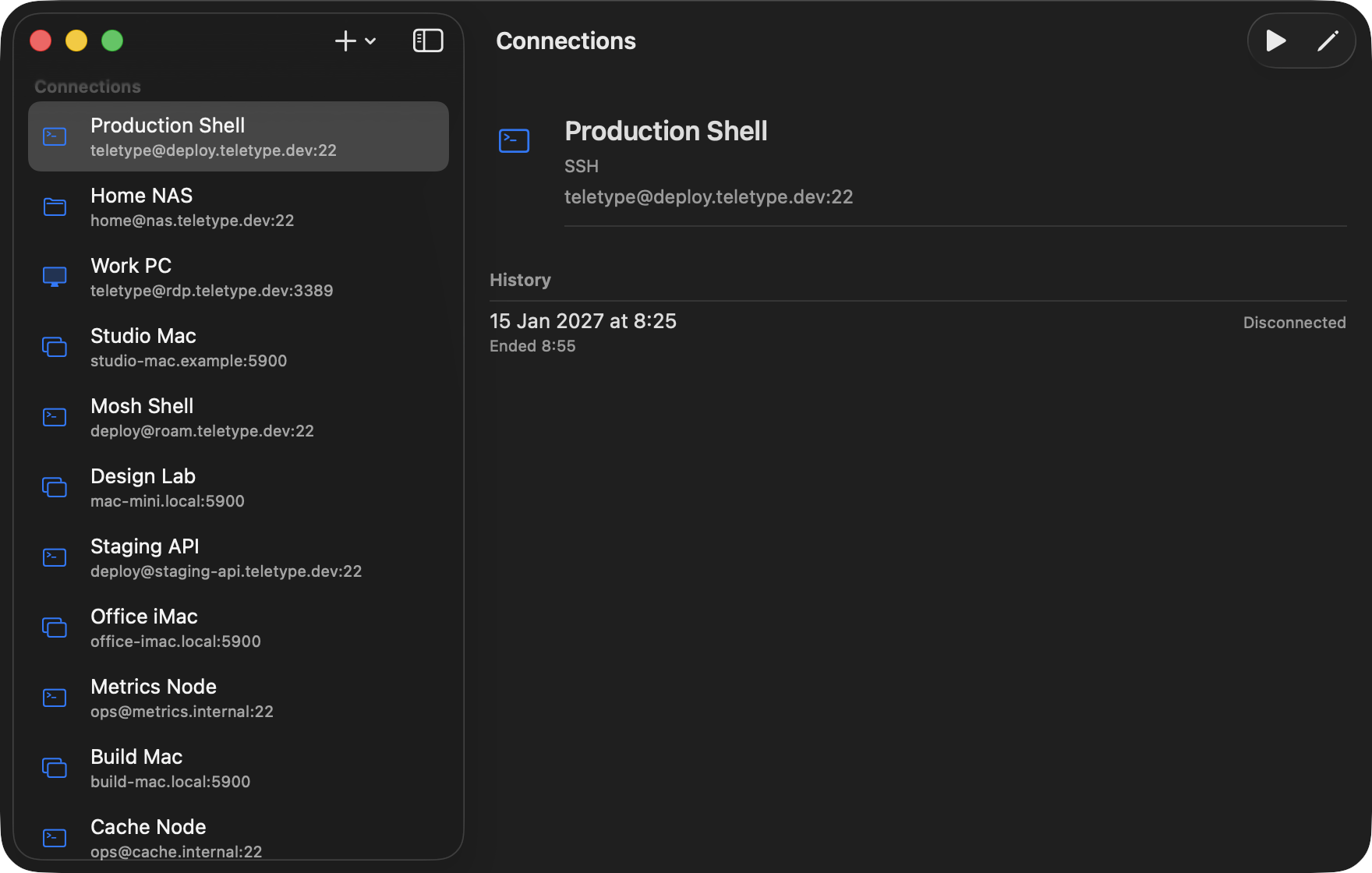
Your Mac at home. Your Linux server. Your Windows PC at work. Keep them together with your NAS and remote terminals in one connection library.
Choose a machine. Pick up where you left off—from Mac, iPhone, or iPad.
LESS SWITCHING. MORE DOING.
From the shell
to the whole machine.
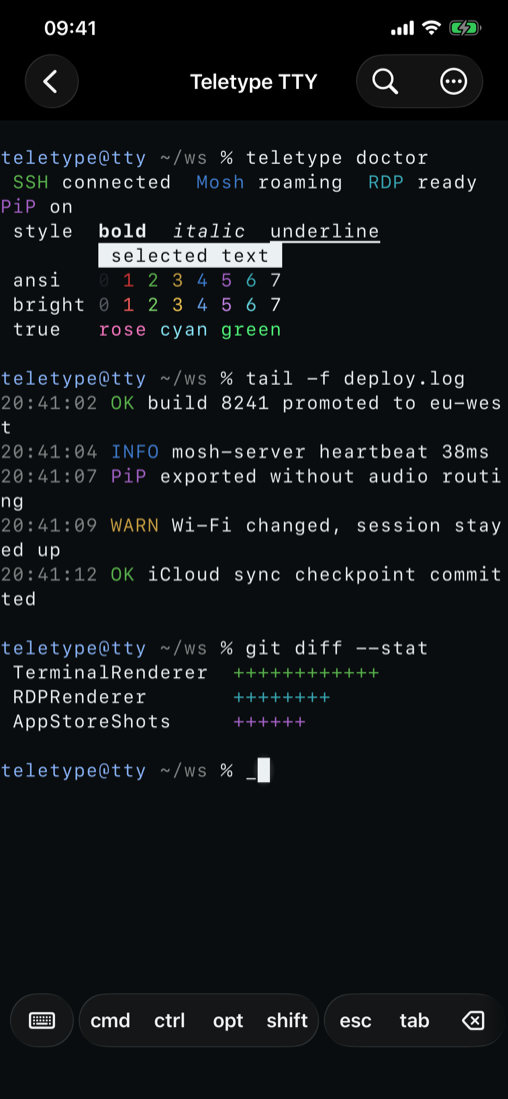
A terminal that travels.
SSH for everyday work. Mosh for changing networks. Ghostty-powered terminal emulation and native Metal rendering, with your favorite themes and keyboard controls.
SSH & Mosh ↗Your other desktop.
Reach a compatible Windows PC over RDP. Work with remote applications using touch, a keyboard, or a pointer.
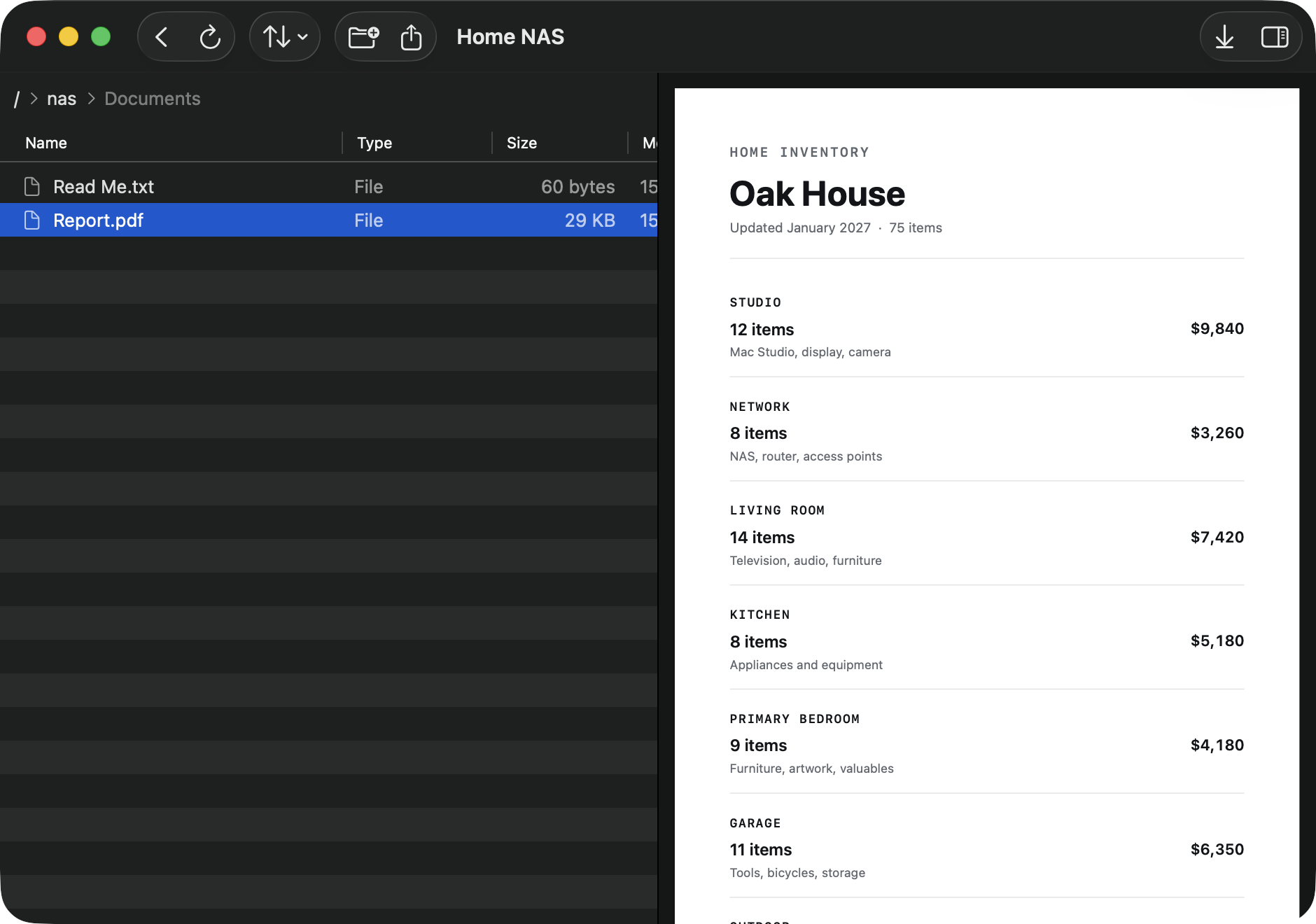
Windows remote access ↗Files, without friction.
Browse your server. Preview a document. Move files between machines with SFTP and familiar native file controls.
SFTP file management ↗MADE FOR YOUR DEVICES.
Native.
Not translated.
Independent windows on Mac. Touch controls on iPhone and iPad. File previews and keyboard shortcuts that feel at home.
Enable iCloud with Teletype Pro to keep saved connections, settings, and themes in sync. Saved-secret sync has its own iCloud Keychain setting.
ROOM TO GROW.
Your first connection
is on us.
Start with one saved connection, free. When your workspace grows, Teletype Pro unlocks unlimited saved connections, iCloud sync, and custom terminal themes.
Monthly, annual, or lifetime. Prices and any eligible trial are shown in the app before purchase.
THE DETAILS
Good questions.
Does Teletype include a remote server?
No. Teletype is a client for servers and computers you configure. Your host must support the selected protocol and be reachable over your network or VPN. Teletype does not provide a relay.
Which Apple devices can I use?
Teletype supports iPhone and iPad with iOS or iPadOS 26 or later. The native Mac app requires an Apple silicon Mac with macOS 26 or later. Teletype is available for Mac, iPhone, and iPad.
Do I need a subscription?
No. Start free with one saved connection. Pro is available as a monthly or annual subscription, or a lifetime purchase. iCloud sync and custom terminal themes require Pro.
Where do my sessions and credentials go?
Sessions connect to the hosts you configure. Saved secrets use Keychain-backed storage. Optional iCloud features use your Apple account. Read our privacy policy for details.
YOUR NEXT SESSION STARTS HERE.
Make yourself
remote.
Available for Mac, iPhone & iPad.